SimplyGo EZ‑Link Cards & Charms
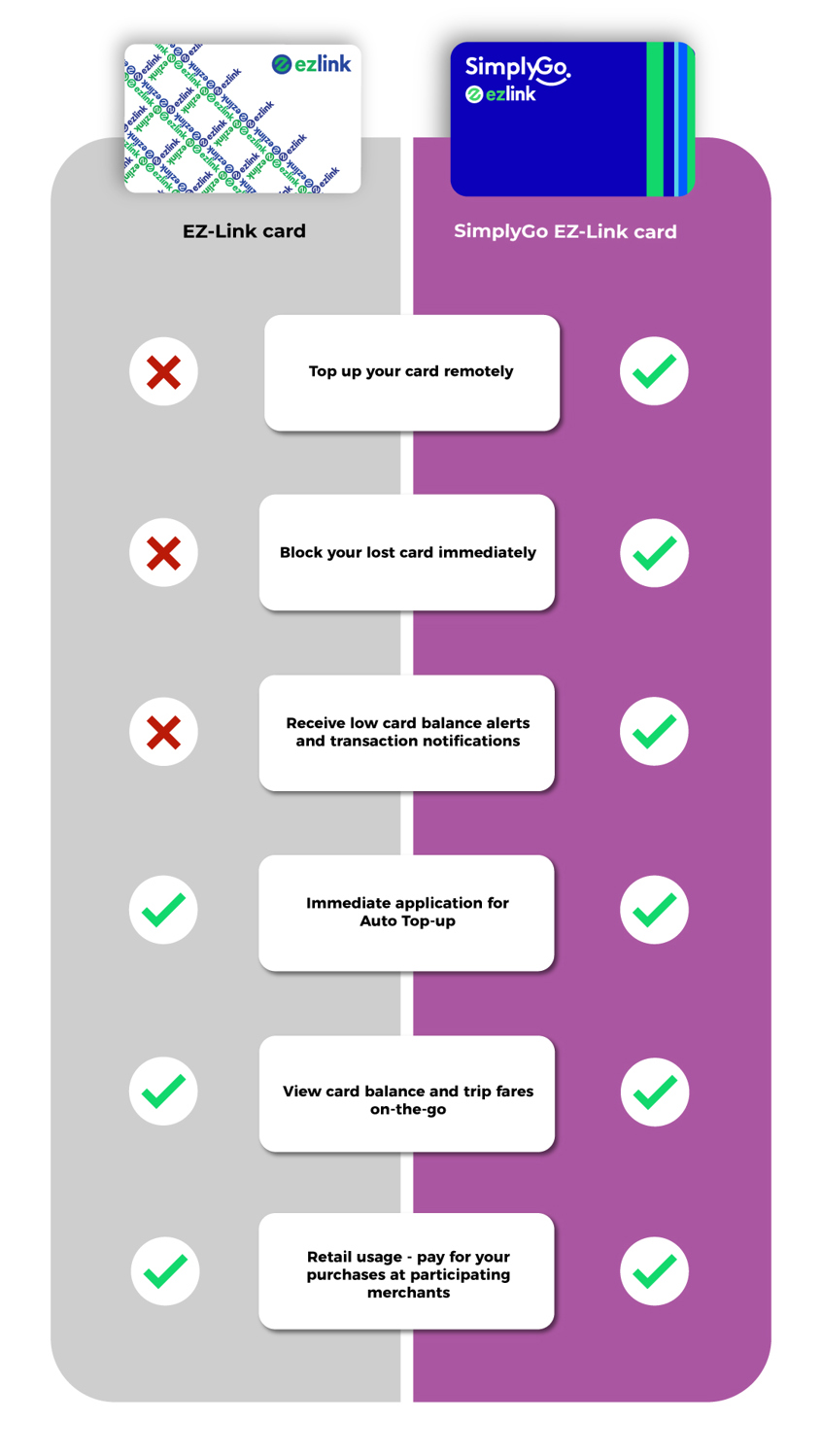
The SimplyGo EZ‑Link card makes travelling on public transport more convenient. SimplyGo is an account‑based ticketing system launched by the Land Transport Authority. It enables commuters to top up on the go, view trip fares, card balance anytime, anywhere and more.
Pair your SimplyGo EZ‑Link card or charm with the SimplyGo app to enjoy remote top‑ups without having to queue at ticketing service kiosks. You can also view your travel spend, transaction details and earn reward points.
How to Convert to SimplyGo EZ‑Link
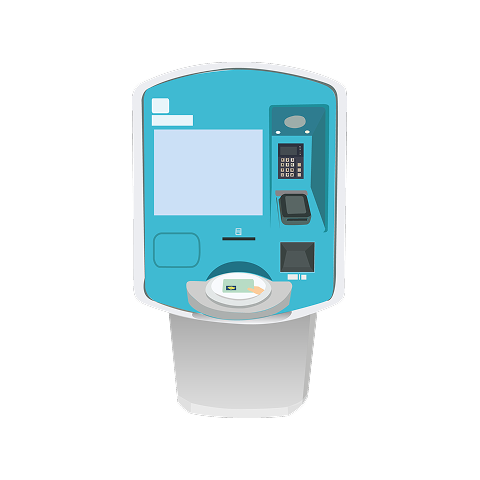
Step 1
Visit your nearest Ticketing Service Kiosk
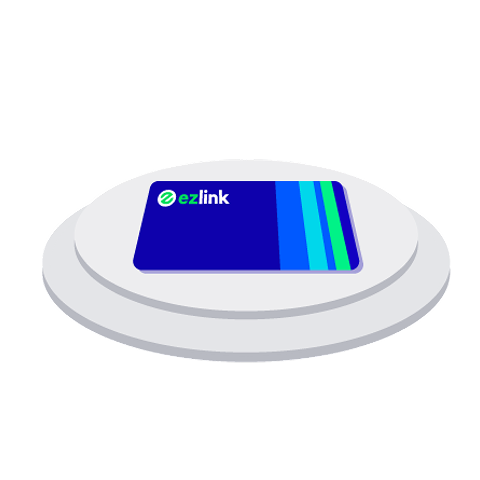
Step 2
Place your EZ‑Link card on the reader
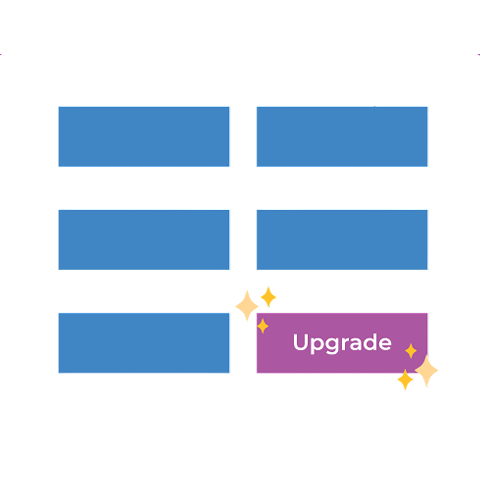
Step 3
Tap “Upgrade to SimplyGo”
Comparison at-a-glance
Disclaimer:
SimplyGo EZ‑Link cards cannot be used to pay for motoring related transactions, including ERP and carpark charges.
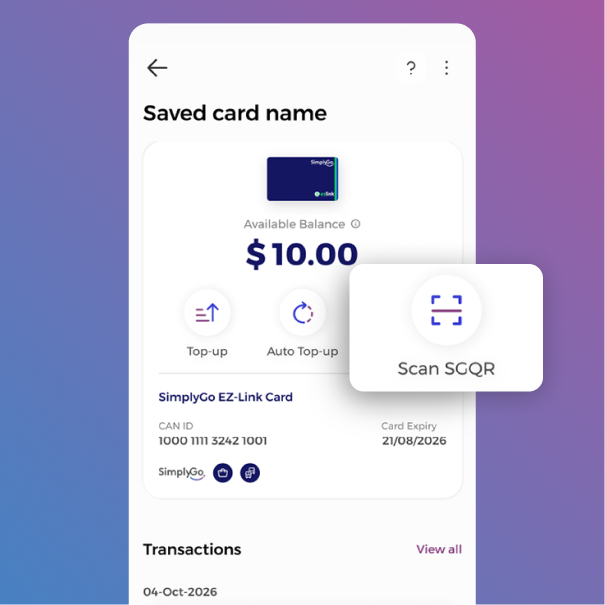
Tap “Scan SGQR” to pay at merchants with your SimplyGo EZ‑Link card
Step 1
Select the SimplyGo EZ‑Link / Concession card you wish to pay with and tap “Scan SGQR”.
Step 2
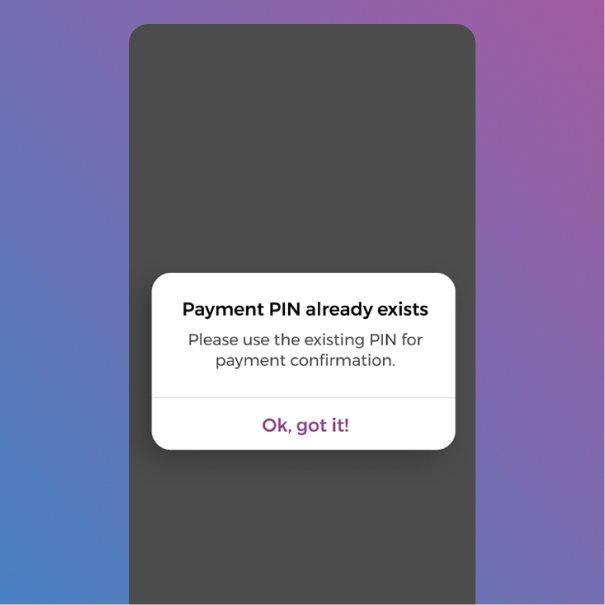
This step requires a Payment Pin. Please set a PIN if you haven't done so.
Step 3
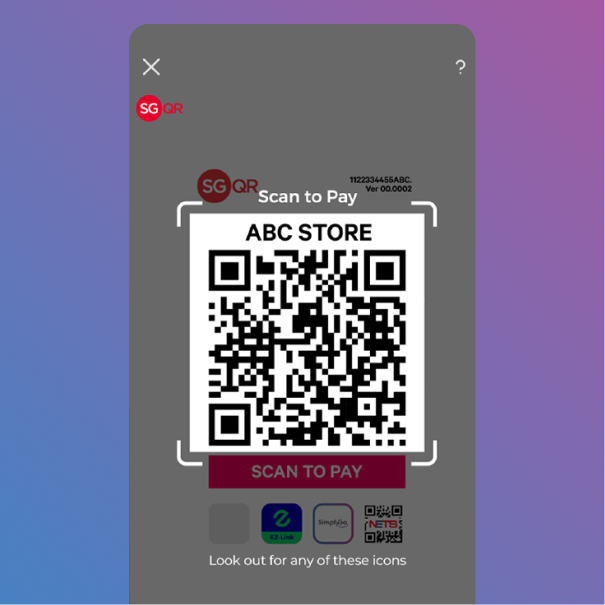
Scan the merchant's QR code. (Please ensure that it is a SGQR code)
Step 4
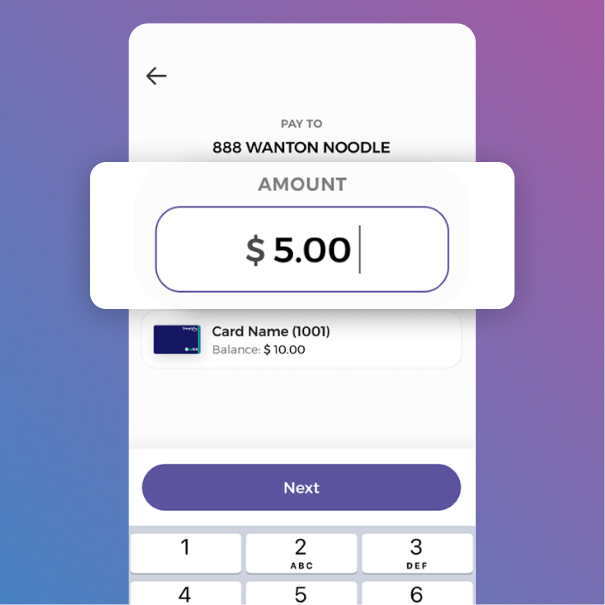
Enter your purchase amount
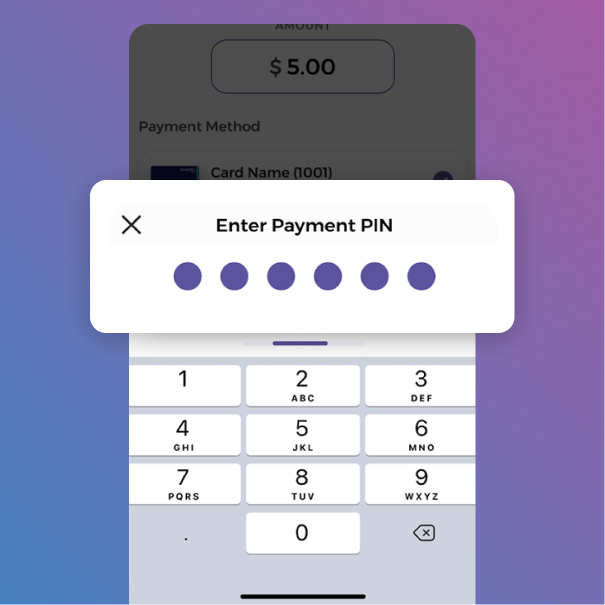
Step 5
Verify with your Payment Pin/biometric method of authentication.
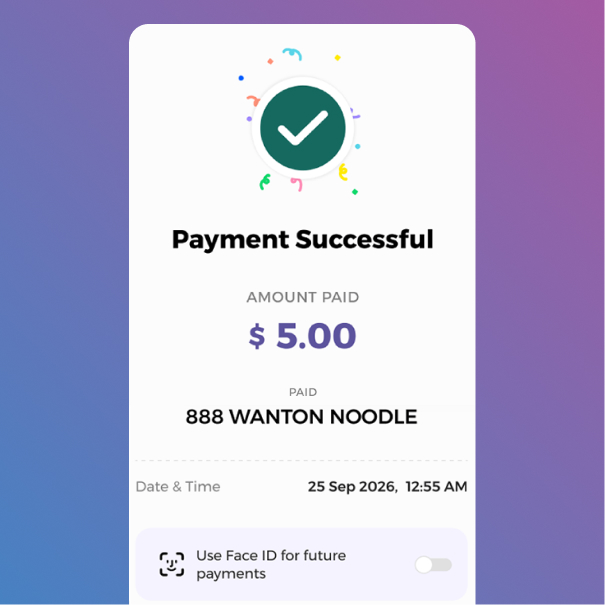
Step 6
And you're done! Your purchase is complete.
EZ‑Link Cards & Charms
The EZ‑Link card is the first local contactless stored value card introduced in April 2002 for use on public transport. Over the years, the card has also evolved to include fun and quirky designs that can be found in the form of our EZ‑Link charms. With the EZ‑Link card, there’s no more hassle of paying with coins or verifying the correct fare to pay. It is just tap and go!
With the SimplyGo app, you can add EZ‑Link cards for tracking of transactions, check card balances and perform card top‑ups — giving you more reasons to use this helpful card.
Top Up / Auto Top‑up
Card balance running low? Top up your EZ‑Link or SimplyGo EZ‑Link card with the SimplyGo app anytime, anywhere — it’s fast and convenient!
Prefer to do it in person? Visit one of our many top‑up locations islandwide.
Top‑up Channels and Locations
| Channel | Location / Option | Details |
|---|---|---|
 SimplyGo App
|
SimplyGo app |
Download the SimplyGo App to enjoy convenient top‑ups for EZ‑Link / SimplyGo EZ‑Link cards, charms, wearables and Android NFC‑enabled or iOS mobile devices. |
 Ticketing Service Kiosks
|
Ticketing Service Kiosks |
|
 Service Counters
|
SimplyGo Ticket Offices |
View locations of the SimplyGo Ticket Offices. |
SimplyGo Ticketing Service Centres |
View the list of service centres. |
|
 Auto Top Up
|
By Mastercard or VISA |
Register through the SimplyGo app. |
 Convenience Stores
|
7‑Eleven |
|
Cheers |
Top‑up service in Cheers outlets is currently not available. |
|
 ATMs
ATMs
|
DBS / POSB |
|
OCBC ATMs |
*Convenience / top‑up fees are applicable. |
|
AXS Machines |
*Convenience / top‑up fees applicable. |
SimplyGo App
SimplyGo app
Download the SimplyGo App to enjoy convenient top‑ups for EZ‑Link / SimplyGo EZ‑Link cards, charms, wearables and Android NFC‑enabled or iOS mobile devices.
Ticketing Service Kiosks
Ticketing Service Kiosks
Service Counters
SimplyGo Ticket Offices
View locations of the SimplyGo Ticket Offices.
SimplyGo Ticketing Service Centres
View the list of service centres.
Auto Top Up
By Mastercard or VISA
Register through the SimplyGo app.
Convenience Stores
7‑Eleven
Islandwide (excluding Shell petrol stations)
Convenience / top‑up fees applicable.
Cheers
Top‑up service in Cheers outlets is currently not available.
ATMs
DBS / POSB
All DBS and POSB ATMs.
How to access: More Services > Cashcard / EZ‑Link card Services > EZ‑Link card.
OCBC ATMs
OCBC ATMs with the EZ‑Link logo.
How to access: More Services > Nets Flashpay / Cashcard / EZ‑Link Services > EZ‑Link Services > Top‑Up.
*Convenience / top‑up fees are applicable.
AXS Machines
All AXS Machines.
How to access: Top Up EZ‑Link card > Pay by D‑Pay.
*Convenience / top‑up fees applicable.
Or enjoy the convenience of Auto Top‑up anytime, anywhere for your EZ‑Link / SimplyGo EZ‑Link, Concession and SimplyGo Concession cards.
Visit the links below for more details on Auto Top‑up for these card types.
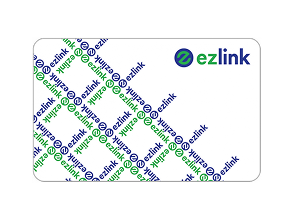 EZ-Link Cards
 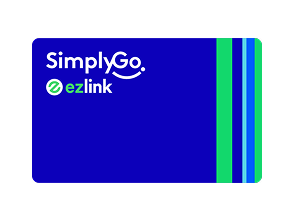 SimplyGo EZ-Link Cards
  Concession Cards
  SimplyGo Concession Cards
 Expiring EZ‑Link Card
If your SimplyGo EZ‑Link or EZ‑Link card has expired, or will be expiring by the end of this year, you may visit any SimplyGo Ticket Office / Ticketing Service Centre to request a refund of your remaining card balance. You will also be eligible to purchase the new subsidised SimplyGo EZ‑Link card at just $3.
A Refund Service Charge of $1 will be charged per month for cards that have expired for 2 years or more until the value is refunded or fully depleted.
Terms & Conditions:
Before you head down to any SimplyGo Ticket Office to purchase a subsidised replacement card, please note:
Valid only for EZ‑Link cards (SimplyGo / non‑SimplyGo) that are expired or expiring before 31 December this year.
You are entitled to purchase a subsidised SimplyGo (Account‑Based Ticketing) EZ‑Link card at $3.
Each person is limited to purchase one subsidised SimplyGo EZ‑Link card per EZ‑Link card (SimplyGo/non‑SimplyGo) that is expired or expires before 31 December this year.
Not applicable for NETS FlashPay cards.
Sale locations of the subsidised SimplyGo EZ‑Link cards and availability of designs shall be at SimplyGo’s discretion and on while‑stocks‑last basis which may be subject to change without prior notice.
Please check your EZ‑Link card’s (SimplyGo/non‑SimplyGo) expiry date via the SimplyGo app or ticketing service kiosks. Your card is valid for use for 5 years from the date of issue.
A Refund Service Charge of $1 will be charged per month for EZ‑Link cards (SimplyGo/non‑SimplyGo) that have expired for 2 years or more. It will be deducted from the remaining stored value (if any), until the card is refunded or fully depleted.
Terms and conditions are subject to changes without prior notice and to other SimplyGo Terms and Conditions.
Download the SimplyGo app to enjoy more convenience with the SimplyGo EZ‑Link card. You can make card top‑ups on‑the‑go for yourself and on behalf of others, view your travel transactions, check your card balance and card expiry, earn reward points and more!
Remember to pair your card to the app account.
You can also check your card expiry at Ticketing Service Kiosks.
Refunding EZ‑Link Card
Looking to obtain a refund of your EZ‑Link card or have an EZ‑Link card that is expiring soon, or has expired? Check out the convenient refund locations below.
Refund Channels and Locations
For valid non‑expired EZ‑Link cards
Get your immediate refunds (for cards with remaining value <$80) at:
SimplyGo Ticket Offices and SimplyGo Ticketing Service Centres located at MRT stations, bus interchanges and Integrated Transport Hubs.
Passenger Service Centres within most MRT stations.
Note:
A deferred refund will be processed for cards with a remaining value that is equals to or above $80.
For SimplyGo EZ-Link cards
Get a deferred refund at:
SimplyGo Ticket Offices located at MRT stations and bus interchanges. Your basic particulars and nominated EZ-Link CAN ID/local bank account details for the refund will be required. The deferred refund will take up to 10 working days to be processed.
Note:
Refunds can only be made to a local bank account.
For expiring EZ‑Link cards before 31 December 2026
You can get a subsidised EZ‑Link card at only $3. Simply exchange the EZ‑Link card that is expiring/expired before 31 December 2026.
Visit any SimplyGo Ticket Office to get your subsidised card. You can also perform a deferred refund of the EZ‑Link card that has expired at the SimplyGo Ticket Office.
You can check your card expiry date via the:
SimplyGo app
Note:
For expired PAssion co‑brand cards, please proceed to any community centre for refund requests instead.
Security Measures
Protect your SimplyGo EZ‑Link and EZ‑Link cards with these security measures on the SimplyGo app.
Card Pairing via NFC
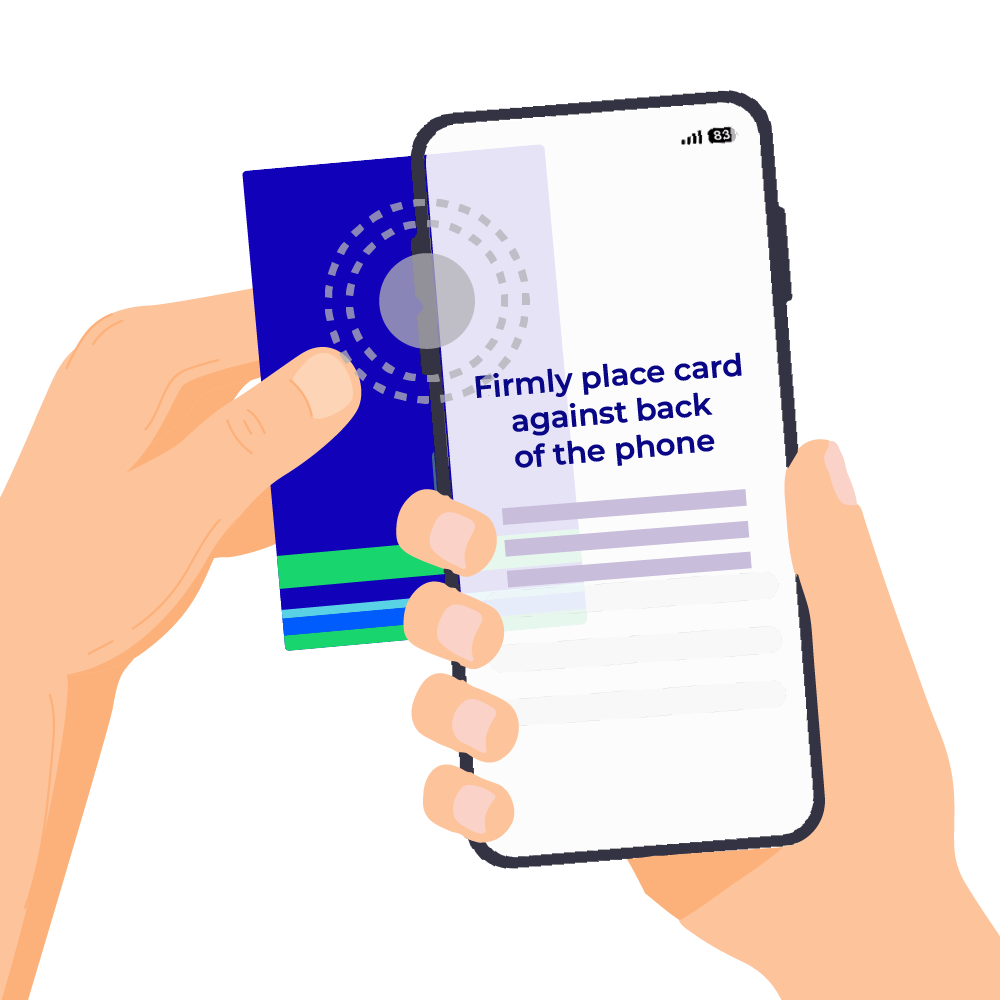
As an enhanced security measure, you will now need to pair your SimplyGo EZ‑Link and EZ‑Link cards via NFC to add them to your SimplyGo account. This step ensures that the physical SimplyGo EZ‑Link or EZ‑Link card is present during the linking process, preventing unauthorised users from adding your card to their account.
It’s a quick and secure way to ensure that only the rightful cardholder can manage the card within the app.
Learn how you can add your card to your SimplyGo account here.
Important Note
Only EZ‑Link, SimplyGo EZ‑Link and SimplyGo Concession cards can initiate card blocking service.
Card Blocking
Our complimentary card blocking service provides extra security and protection. If you lose your SimplyGo EZ‑Link or EZ‑Link card, you can block it immediately and transfer any remaining stored value to a new SimplyGo EZ‑Link or EZ‑Link card via the SimplyGo app.
Learn how you can block your lost card here.
Important Note
You only need to complete the Singpass MyInfo verification process once.
Singpass MyInfo Verification
The Singpass MyInfo verification process provides an added layer of security and protection. It ensures that only the rightful owner can access and manage card details, account information, and refund requests.
If your card is lost, you can securely verify your identity through Singpass MyInfo. This preventing unauthorised access and misuse of your account or funds.
Any Questions?
View the FAQs